Robot Lawnmower Troubleshooting & Maintenance Guide
Robot lawnmowers are designed to work autonomously, but they still need a little care and attention. This guide from the Euronics Specialists covers the most common issues, how to troubleshoot them at home, and when it's time to bring your mower in for professional service.
What's In This Guide
A robot lawnmower is one of the smartest investments you can make for your garden. Once set up, it quietly maintains your lawn day after day, giving you a consistently healthy, well-cut lawn without any of the effort. But like any outdoor appliance that works in rain, mud, and grass, it needs regular attention to keep performing at its best.
The good news is that the vast majority of robot lawnmower issues — around 80% — can be resolved with simple troubleshooting at home. This guide, put together by the Euronics Specialists, walks you through what to check, how to fix common problems, and when it's genuinely time to call in the professionals.

1. How Robot Lawnmowers Work
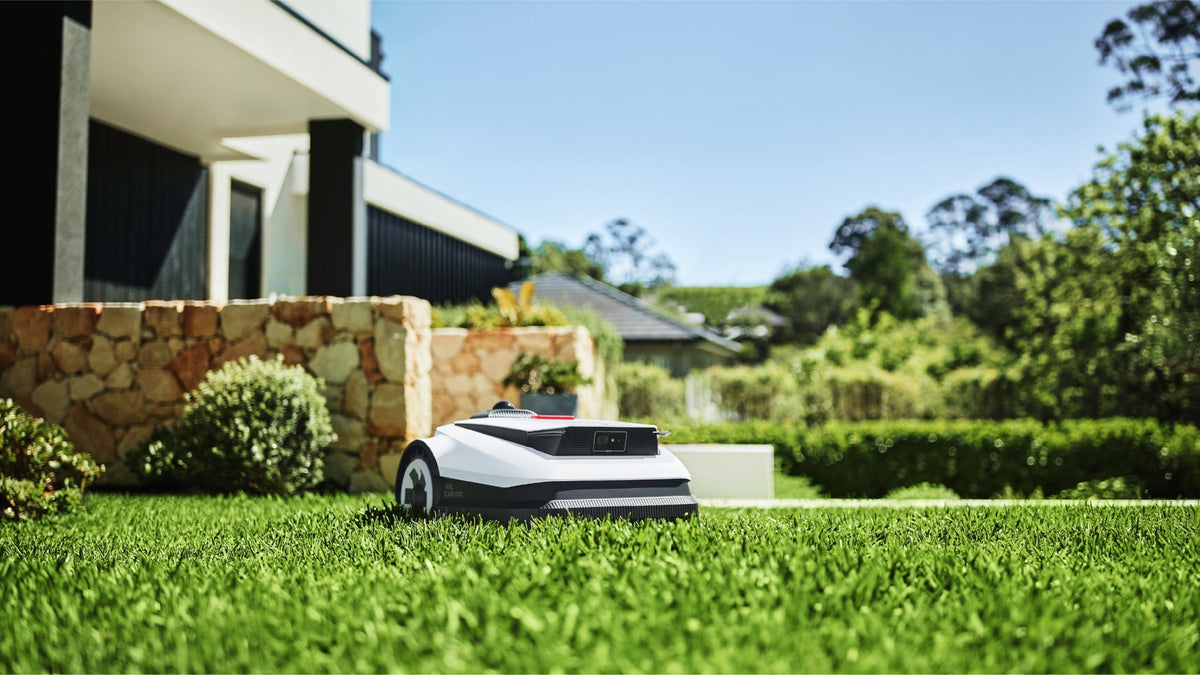
Before diving into troubleshooting, it helps to understand the basics. A robot lawnmower navigates your garden using a combination of boundary wire (a low-voltage cable buried around the lawn's perimeter), onboard sensors, and in some cases GPS. The boundary wire defines where the mower can and cannot go, while sensors help it detect obstacles, slopes, and rain.
The mower operates on a rechargeable battery and automatically returns to its docking station when the battery runs low. Cutting is done by small, razor-sharp blades mounted on a spinning disc underneath the unit. These blades are designed to trim a small amount of grass frequently — typically every day or every other day — which promotes healthier growth and eliminates the need for grass collection.
2. Common Issues & Quick Fixes
Most robot lawnmower problems fall into a handful of categories. Before booking a repair, work through these checks — you may well save yourself the wait and the cost.
Boundary Wire Problems
The boundary wire is the most common source of issues. If your mower stops mid-cycle, won't leave the dock, or displays a "no signal" error, the boundary wire is the first thing to check. Walk the perimeter and look for obvious damage — exposed wire, breaks caused by garden tools or wildlife, or connectors that have worked loose. A simple wire break is an easy fix with a weatherproof connector kit.
Software & Connectivity Issues
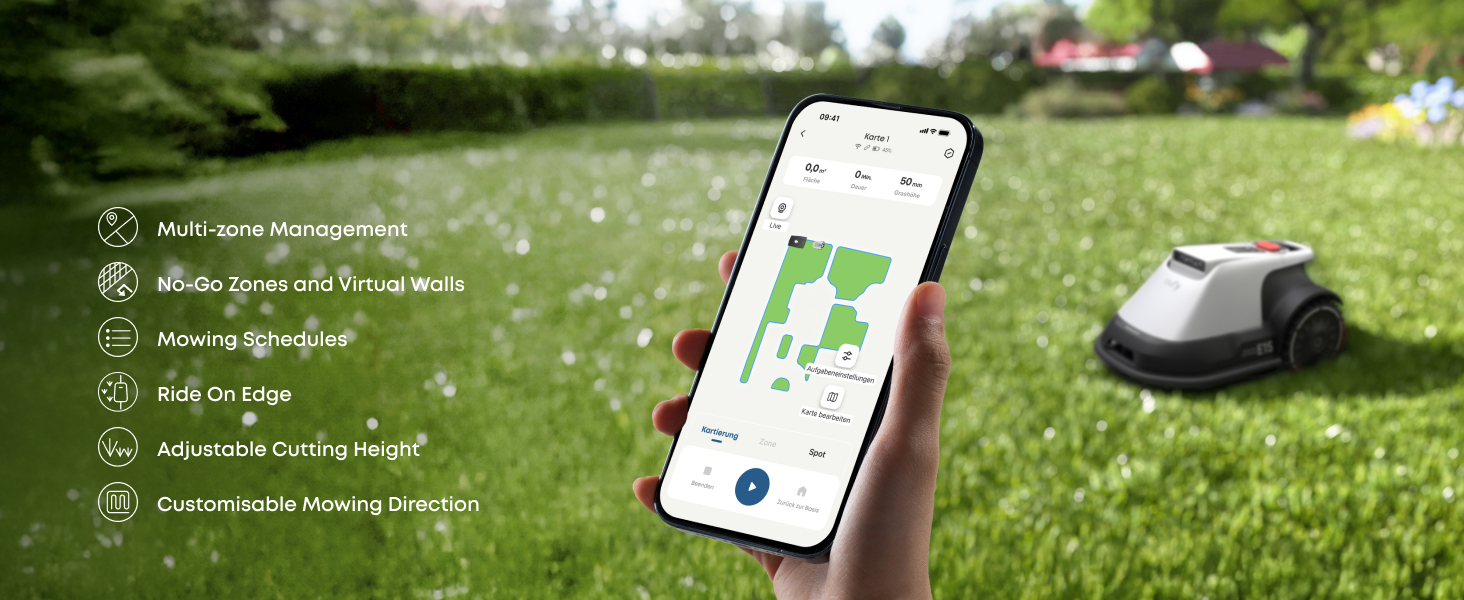
Modern robot lawnmowers connect to your phone via Bluetooth or Wi-Fi, and manufacturers regularly release software updates that improve navigation, battery management, and scheduling. If your mower is behaving erratically or the app isn't connecting, check for pending software updates first. Many performance issues are resolved simply by updating to the latest firmware.
Charging Port & Docking Station
If the mower isn't charging properly, inspect the charging contacts on both the mower and the docking station. Grass clippings, mud, and moisture can build up on the metal contacts and prevent a proper connection. Clean both sets of contacts with a dry cloth. Also check that the docking station is sitting on level ground and that nothing is obstructing the mower's approach path.
Battery Performance
Battery runtime naturally decreases over time. If your mower used to run for 60 minutes but now only manages 30, the battery may be reaching the end of its lifespan. Most robot lawnmower batteries last 2–4 years depending on usage and climate. Check the battery health in your mower's app or settings menu if available. Replacement batteries are available for most popular models.
Blade Cutting Quality
If your lawn looks uneven or the grass appears torn rather than cleanly cut, the blades are likely dull. Robot lawnmower blades are small and designed to be replaced regularly — typically every 1–3 months depending on lawn size and usage. Replacing them takes just a few minutes with a screwdriver. Never attempt to sharpen robot lawnmower blades — always replace with genuine parts.
Wheel Traction
If your mower is slipping on slopes or struggling on damp grass, check the wheel condition. Worn tyres lose their grip over time, especially in the wet Irish climate. Clean any compacted grass or mud from the wheel wells. If the tread is worn smooth, replacement wheels are available for most models.
Navigation & Sensor Errors
Erratic mowing patterns, failure to avoid obstacles, or the mower repeatedly getting stuck in the same spot usually point to dirty sensors. The bump sensors, lift sensors, and rain sensor all need to be kept clean. Wipe them down with a damp cloth regularly — grass and mud buildup is the most common cause of navigation errors.
3. Visual Inspection Checklist
A quick visual inspection every couple of weeks can catch problems early before they become expensive repairs. Here's what to look for when you flip your mower over or give it a once-over.
Housing Integrity
Look for cracks, splits, or damage to the outer casing. Even small cracks can allow moisture inside, which can damage electronics over time.
Impact & Collision Damage
Check for dents, deep scuffs, or broken bumper guards. Heavy impacts can misalign internal components or damage the cutting disc.
Wheel Condition
Inspect all wheels for wear, cracks, and free rotation. Wheels should spin freely without grinding or wobbling.
Seal Inspection
Check the rubber seals around the housing for signs of wear or water ingress. Any moisture inside the unit means it should be professionally serviced.
Battery Visual Check
Look for any signs of battery swelling — a bulging or distorted battery is a safety hazard. If you see swelling, do not power on the mower and contact your local Euronics store immediately.
4. Seasonal Maintenance
Ireland's climate means your robot lawnmower works hard from March through to November, and spends the winter months in storage. Proper seasonal care extends the life of every component.
Spring Start-Up
Inspect the Boundary Wire
Walk the full perimeter before your first mow of the season. Winter frost, wildlife, and garden work can all cause breaks or displacement. Test the signal from the docking station before letting the mower loose.
Charge & Update
Fully charge the battery and check for any firmware updates released over winter. Manufacturers often push significant improvements during the off-season.
Replace Blades
Start the season with a fresh set of blades. Even if the old ones look fine, they will have dulled over the previous season and won't give a clean cut.
Clean Sensors & Contacts
Wipe down all sensors, charging contacts, and the cutting disc housing. Clear any debris from the wheel wells and ventilation openings.
Mid-Season Care (Monthly)
During the mowing season, get into a monthly routine of replacing blades, cleaning the underside of the mower, checking wheel condition, and wiping down sensors. A quick 10-minute check each month prevents most of the common issues outlined above.
Winter Storage
When the mowing season ends (typically November in Ireland), give the mower a thorough clean, charge the battery to around 75%, and store it in a dry, frost-free location such as a garage or shed. Remove the docking station and store it indoors too. Don't leave the mower outside over winter — prolonged exposure to frost and damp will damage seals, electronics, and the battery.
5. When to Send for Repair
While most issues are solvable at home, some problems require professional attention. If you've worked through the troubleshooting steps above and the problem persists, or if you encounter any of the following, bring the mower to your local Euronics store.
Will Not Power On
If the robot does not respond to any power input after verifying the charger, docking station, and battery connection, the issue is likely internal — a faulty control board, damaged wiring, or a dead battery cell.
Burning Smell or Overheating
Any sign of burning smell or excessive heat means you should disconnect the mower immediately and do not attempt to charge it. This can indicate a battery fault, motor failure, or short circuit — all of which need professional diagnosis.
Persistent Navigation Errors
If the mower continues to behave erratically even after cleaning all sensors and completing software updates, there may be a hardware fault with the navigation system, GPS module, or boundary wire receiver.
Motor or Drive System Failure
Wheels not turning, grinding noises from the drive system, or intermittent operation point to motor or gearbox failure. These are not user-serviceable components and require professional repair.
6. Quick-Reference Troubleshooting Table
Keep this table handy for quick reference when something isn't right with your robot lawnmower.
| Symptom | Likely Cause | Fix | Difficulty |
|---|---|---|---|
| Mower won't leave dock | Boundary wire break or no signal | Walk perimeter, check wire and connectors | Easy Fix |
| App won't connect | Firmware outdated or Bluetooth issue | Update firmware, restart mower and phone | Easy Fix |
| Not charging | Dirty contacts or misaligned dock | Clean contacts, reposition docking station | Easy Fix |
| Short battery life | Ageing battery | Check battery health, replace if needed | Moderate |
| Uneven or torn grass | Dull blades | Replace blades (every 1–3 months) | Easy Fix |
| Slipping on slopes | Worn tyres | Clean wheel wells, replace wheels if worn | Moderate |
| Erratic mowing pattern | Dirty sensors | Clean all sensors with a damp cloth | Easy Fix |
| Gets stuck repeatedly | Garden layout or sensor issue | Adjust boundary wire, clear obstacles | Moderate |
| Won't power on at all | Internal fault | Bring to Euronics for diagnosis | Needs Service |
| Burning smell | Motor, battery, or short circuit fault | Disconnect immediately — bring to Euronics | Needs Service |
| Battery swelling | Battery cell failure | Do NOT power on — bring to Euronics | Needs Service |
7. Recommended Accessories
Keep your robot lawnmower running at its best with these essential accessories, all available from your local Euronics store or at Euronics.ie.

A Smarter Lawn Starts Here
Whether you're choosing your first robot lawnmower or maintaining the one you have, the Euronics Specialists are here to help. Browse our range online or visit your local store for personalised advice.