A home printer is a back-to-school essential — but the cheapest one isn't always the cheapest to run. Here's how to choose between inkjet and laser, and keep running costs down.
Inkjet vs laser
- Inkjet: cheaper to buy, great for colour and photos, compact. Best for households printing in colour now and then. Ink can dry out if rarely used.
- Laser: dearer upfront but fast, crisp text and a lower cost per page for high-volume black-and-white printing. Best for heavy document printing.
All-in-one is usually the answer
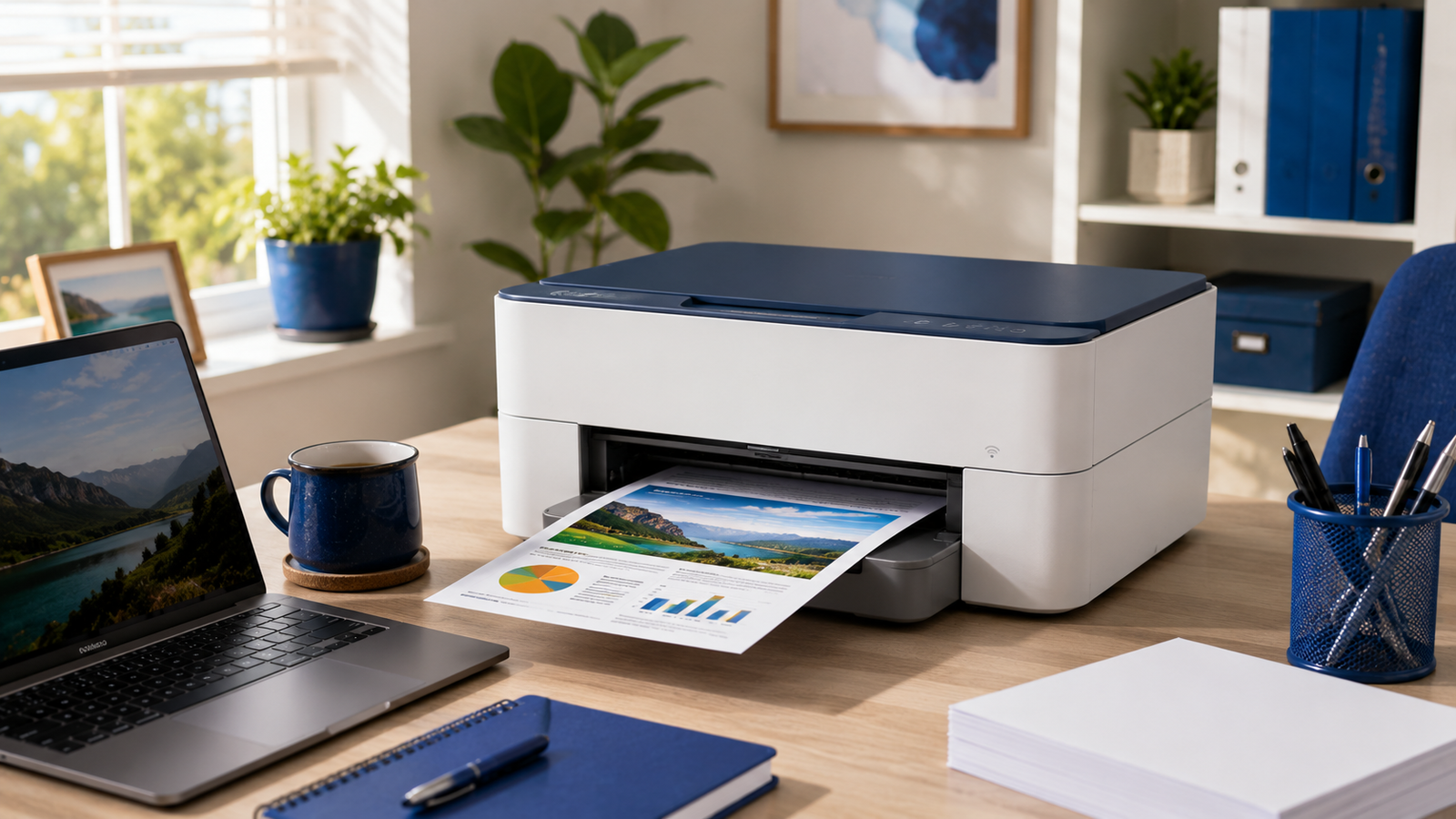
An all-in-one (print, scan, copy) covers everything a student or home office needs — scanning notes, copying forms and printing assignments — usually with Wi-Fi so the whole house can print from phones and laptops.
Watch the running costs
- Check the price of replacement cartridges, not just the printer.
- Ink subscription plans (like HP Instant Ink) can cut costs for regular printers.
- High-yield/XL cartridges work out cheaper per page.
Our picks
- Affordable all-in-one: the HP DeskJet 2720e or 2820e — Wi-Fi print, scan and copy.
- Step up: the HP Envy 6020e for better photos — see the full printers range.
Final thoughts
For most homes, a Wi-Fi inkjet all-in-one with an ink plan is the sweet spot; choose laser if you print lots of text. Browse printers and computing online, or ask in any of our 60+ stores.