



At a glance
 Display
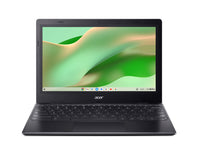
11.6-inch 1366 x 768 matte ComfyView panel at 60Hz
Display
11.6-inch 1366 x 768 matte ComfyView panel at 60Hz
 Processor
Dual-core Intel Celeron N4500 with Intel UHD graphics
Processor
Dual-core Intel Celeron N4500 with Intel UHD graphics
 Memory and storage
4GB on-board LPDDR4X with 64GB eMMC flash storage
Memory and storage
4GB on-board LPDDR4X with 64GB eMMC flash storage
 Battery
Rated at up to ten hours, charged by a 36W adapter
Battery
Rated at up to ten hours, charged by a 36W adapter
 Connectivity
Wi-Fi 5, Bluetooth 5.0, USB Type-C and USB Type-A
Connectivity
Wi-Fi 5, Bluetooth 5.0, USB Type-C and USB Type-A
Essential laptop accessories
Great accessories to pair with your laptop.
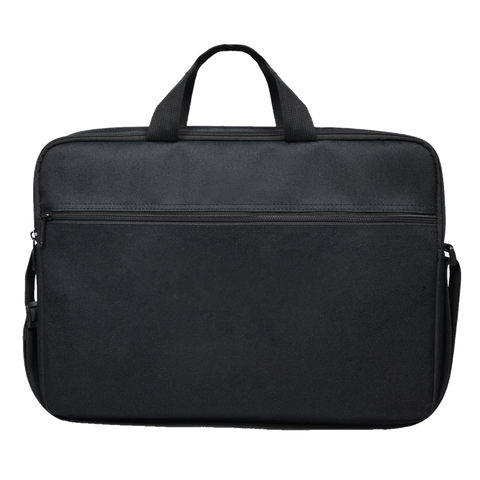
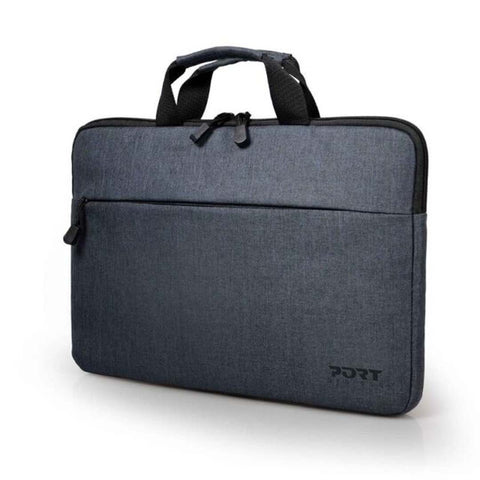
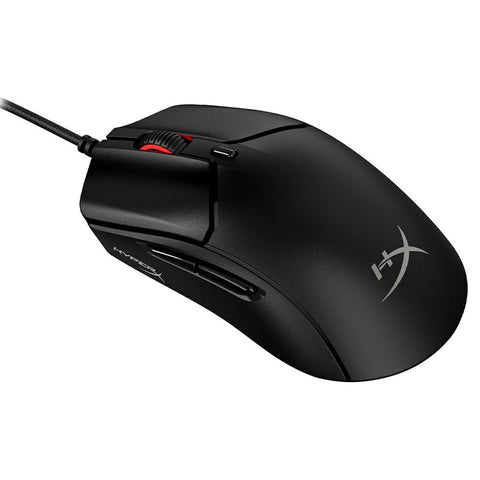
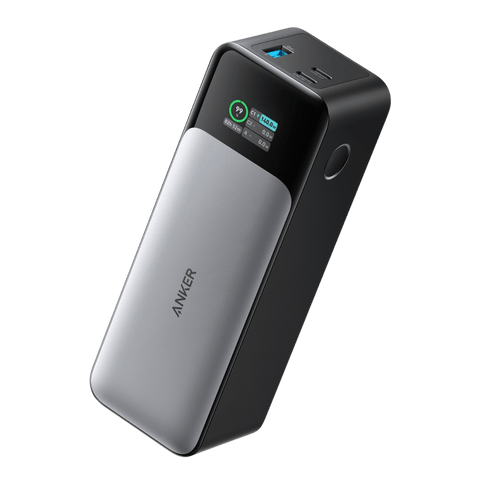
Complete your setup
Select useful accessories to complete your setup.
 LaptopAcer Chromebook 311 (CBOA311-1H-C7L1) 11.6" Chromebook - Celeron 4GB 64GB eMMC Black
€149.97
LaptopAcer Chromebook 311 (CBOA311-1H-C7L1) 11.6" Chromebook - Celeron 4GB 64GB eMMC Black
€149.97
At a glance
Display
11.6-inch 1366 x 768 matte ComfyView panel at 60Hz
Processor
Dual-core Intel Celeron N4500 with Intel UHD graphics
Memory and storage
4GB on-board LPDDR4X with 64GB eMMC flash storage
Battery
Rated at up to ten hours, charged by a 36W adapter
Connectivity
Wi-Fi 5, Bluetooth 5.0, USB Type-C and USB Type-A
Acer Chromebook 311 (CBOA311-1H-C7L1)
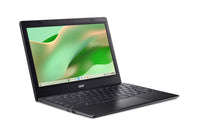
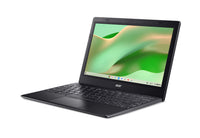
A 1.2kg 11.6-inch Chromebook that starts in seconds, runs for up to ten hours and keeps ChromeOS simple for students and second users.
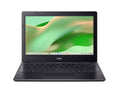
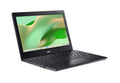
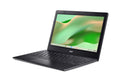
The Chromebook 311 is a small, black 11.6-inch laptop built around ChromeOS rather than Windows. Everything lives in the browser and in Google's apps, which keeps the machine quick to start, easy to hand to a child and simple to pick up for anyone who mainly writes, reads and watches.
An Intel Celeron N4500 with 4GB of on-board memory and 64GB of eMMC storage is matched to that job. The matte ComfyView screen resists reflections in a bright classroom or kitchen, the battery is rated at up to ten hours, and the whole thing weighs 1.2kg with a 36W charger.
Ideal For
An 11.6-inch frame fits a school bag easily, the matte screen copes with classroom lighting, and ChromeOS keeps the software side straightforward for homework and online lessons.
A light, inexpensive machine to leave in the kitchen or take on a trip, ready in seconds for email, browsing and catch-up television without disturbing your main computer.
For anyone who finds a full desktop operating system more than they need, ChromeOS presents a browser, a few apps and very little else to manage.
Key Features
At 287.4 x 199 x 17.95mm and 1.20kg, the 311 slips into a bag alongside books and barely registers on the shoulder during a school run or commute.
Acer rates the battery at up to ten hours, enough for a full school day or a long working session away from the charger, with a compact 36W adapter.
The 1366 x 768 ComfyView panel uses a matte finish that scatters reflections, which helps in a classroom with overhead lights or a kitchen with a window behind you.
ChromeOS keeps the machine light: it starts quickly, updates itself in the background and centres everything on the browser and Google's applications.
The dual-core Intel Celeron N4500 with Intel UHD graphics is matched to browsing, documents and streaming video rather than heavy multitasking or editing work.
A USB 3.2 Gen 1 Type-C port and a USB 3.2 Gen 1 Type-A port cover charging, a memory stick or a mouse without adding bulk to the chassis.
What ChromeOS is good at
ChromeOS is a deliberately narrow operating system, and that is the point. It starts in seconds, keeps itself updated without asking, and puts the browser at the centre of everything. For writing, research, email, video calls and streaming it is quick and largely maintenance free. It will not run Windows software, so if a particular desktop application is essential to you this is not the machine, but for the very common set of jobs that now happen in a browser it removes a great deal of friction.
Sized for a school bag
An 11.6-inch screen and a 1.20kg body are what make this Chromebook practical for younger students. It fits alongside books rather than displacing them, the 17.95mm profile slides into a slim compartment, and the 36W charger is small enough to live in a side pocket. With up to ten hours quoted, most school days will not need that charger at all, which is one less thing to lose.
Honest expectations at this size
Four gigabytes of on-board memory and 64GB of eMMC flash define what this machine is for. It handles a browser with a reasonable number of tabs, documents, email and video, and it does so quietly and without fuss. It is not intended for large local file libraries, photo or video editing, or dozens of simultaneous tabs. Understood on those terms, the 311 is a genuinely useful little computer rather than a compromised big one.
How It Compares
| What You Need | Technology | Practical Benefit |
|---|---|---|
| All-day lecture notes | Up to ten hours battery | A full day of note taking and reading without needing to find a socket between classes. |
| Carrying to school | 1.20kg, 17.95mm thin | Light and slim enough to sit in a bag with books rather than replacing half of them. |
| Bright classrooms | Matte ComfyView panel | The non-reflective finish scatters overhead light so the screen stays readable in awkward lighting. |
| Getting started quickly | ChromeOS automatic updates | The machine starts in seconds and keeps itself updated, so there is little to set up or maintain. |
| Browsing and streaming | Celeron N4500 with Intel UHD | Enough processing for web pages, documents and video without generating heat or fan noise. |
| Charging and accessories | USB Type-C and Type-A | One modern port for charging and one traditional port for a mouse or memory stick. |
Specifications
| Brand | Acer |
| Model | Chromebook 311 (CBOA311-1H-C7L1) |
| Part Number | NX.J2GEK.003 |
| Product Type | Chromebook |
| Processor | Intel Celeron N4500 (dual-core, 1.10 GHz) |
| Graphics | Intel UHD Graphics (integrated) |
| Memory (RAM) | 4GB |
| Memory Type | LPDDR4X, on-board (supports up to 8GB) |
| Storage | 64GB eMMC flash storage |
| Display | 11.6-inch (29.5 cm) HD with Acer ComfyView matte finish |
| Resolution | 1366 x 768 |
| Refresh Rate | 60Hz |
| Panel Type | TN, matte anti-glare |
| Touchscreen | No |
| Operating System | ChromeOS |
| Webcam | HD 1280 x 720 webcam with microphone |
| Audio | Two built-in speakers |
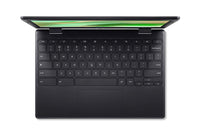
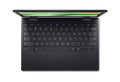
| Keyboard | Full-size ChromeOS keyboard (non-backlit) with touchpad |
| Wireless | Wi-Fi 5 (802.11ac) |
| Bluetooth | Bluetooth 5.0 |
| Ports | 1x USB 3.2 Gen 1 Type-A, 1x USB 3.2 Gen 1 Type-C |
| Battery | Up to 10 hours |
| Power Supply | 36W AC adapter |
| Dimensions (W x D x H mm) | 287.4 x 199 x 17.95 mm |
| Weight | 1.20 kg |
| Warranty | 1-Year |
The Verdict
Strengths
- Light 1.20kg body just 17.95mm thick
- Up to ten hours of quoted battery life
- Matte ComfyView screen resists reflections
- ChromeOS starts quickly and updates itself
- USB Type-C alongside a full-size USB Type-A
- Wi-Fi 5 and Bluetooth 5.0 built in
Considerations
- Memory is 4GB and soldered on board, so heavy multitasking with many browser tabs will feel the limit.
- Storage is 64GB of eMMC flash rather than an SSD, which suits cloud working rather than large local libraries.
- Acer lists only two USB ports for this model, with no HDMI output published, and the screen is 1366 x 768 and non-touch.
What's in the Box
- Acer Chromebook 311 x1
- 36W AC adapter x1
- Quick start guide x1
Compare Similar Models
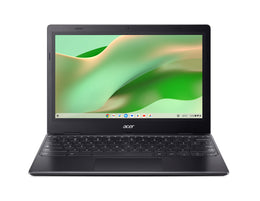
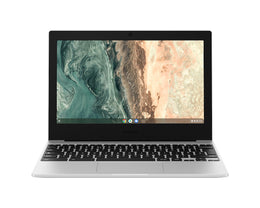
| Specification | Acer Chromebook 311 (CBOA311-1H-C7L1) 11.6" Chromebook - Celeron 4GB 64GB eMMC Black | Samsung Galaxy Chromebook Go (11.6", Celeron, 4GB) 11.6" Chromebook - Celeron 4GB 64GB eMMC Silver |
|---|---|---|
| Screen size | 11.6" | 11.6" |
| Memory (RAM) | 4GB | 4GB |
| Storage | 64GB | 64GB |


Essential laptop accessories
Great accessories to pair with your laptop.
Complete your setup
Select useful accessories to complete your setup.
LaptopAcer Chromebook 311 (CBOA311-1H-C7L1) 11.6" Chromebook - Celeron 4GB 64GB eMMC Black
€149.97
At a glance
Display
11.6-inch 1366 x 768 matte ComfyView panel at 60Hz
Processor
Dual-core Intel Celeron N4500 with Intel UHD graphics
Memory and storage
4GB on-board LPDDR4X with 64GB eMMC flash storage
Battery
Rated at up to ten hours, charged by a 36W adapter
Connectivity
Wi-Fi 5, Bluetooth 5.0, USB Type-C and USB Type-A
From the Knowledge Centre
Guides and advice related to this product
 Buying Guides
Best Laptops for College in Ireland 2026
Read article
Buying Guides
Best Laptops for College in Ireland 2026
Read article
 Buying Guides
Laptop Buying Guide: RAM, Storage & Processors Explained
Read article
Buying Guides
Laptop Buying Guide: RAM, Storage & Processors Explained
Read article
 Head to Head Comparisons
Chromebook vs Windows Laptop: Which Is Right for Students?
Read article
Head to Head Comparisons
Chromebook vs Windows Laptop: Which Is Right for Students?
Read article
Why you’ll love it
A 1.2kg 11.6-inch Chromebook that starts in seconds, runs for up to ten hours and keeps ChromeOS simple for students and second users.
- Light 1.20kg body just 17.95mm thick
- Up to ten hours of quoted battery life
- Matte ComfyView screen resists reflections
- ChromeOS starts quickly and updates itself
- USB Type-C alongside a full-size USB Type-A