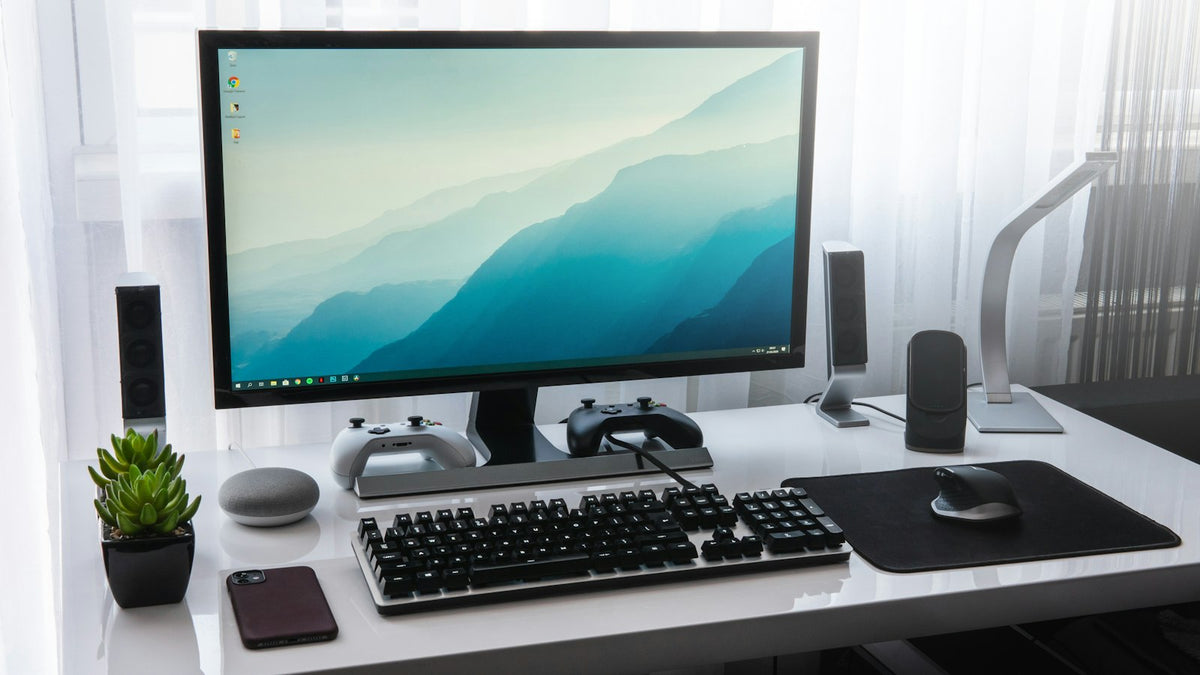
A good monitor makes working, studying and gaming far more comfortable than squinting at a laptop screen. But the spec sheet is full of jargon. Here's what actually matters when choosing one.
Size and resolution
- 24–27 inch suits most desks; 32‑34 inch (or ultrawide) for more workspace.
- Full HD (1080p) is fine for everyday use; QHD (1440p) is the sweet spot for sharpness; 4K for detailed creative work.
Refresh rate & response time
Refresh rate (Hz) is how many times per second the screen updates. 60Hz is fine for office work; 120Hz+ makes gaming and scrolling noticeably smoother. Gamers should also look for a low response time (ms).
Panel type
- IPS: best colours and viewing angles — ideal all-rounder.
- VA: deeper contrast, good for media.
- TN: fastest and cheapest, but weaker colour.
Don't forget the extras
- Ports: HDMI/DisplayPort, and USB-C if you want one-cable laptop charging.
- Adjustable stand for height and tilt — your neck will thank you.
Our picks
- Everyday/office: an HP 23.8″ IPS or HP 32″ Full HD.
- Gaming: the Acer Nitro curved Full HD — see the full monitors range.
Final thoughts
For most people a 27″ QHD IPS monitor is the comfortable sweet spot; gamers should chase higher refresh rates. Browse monitors and computing online, or ask in any of our 60+ stores.